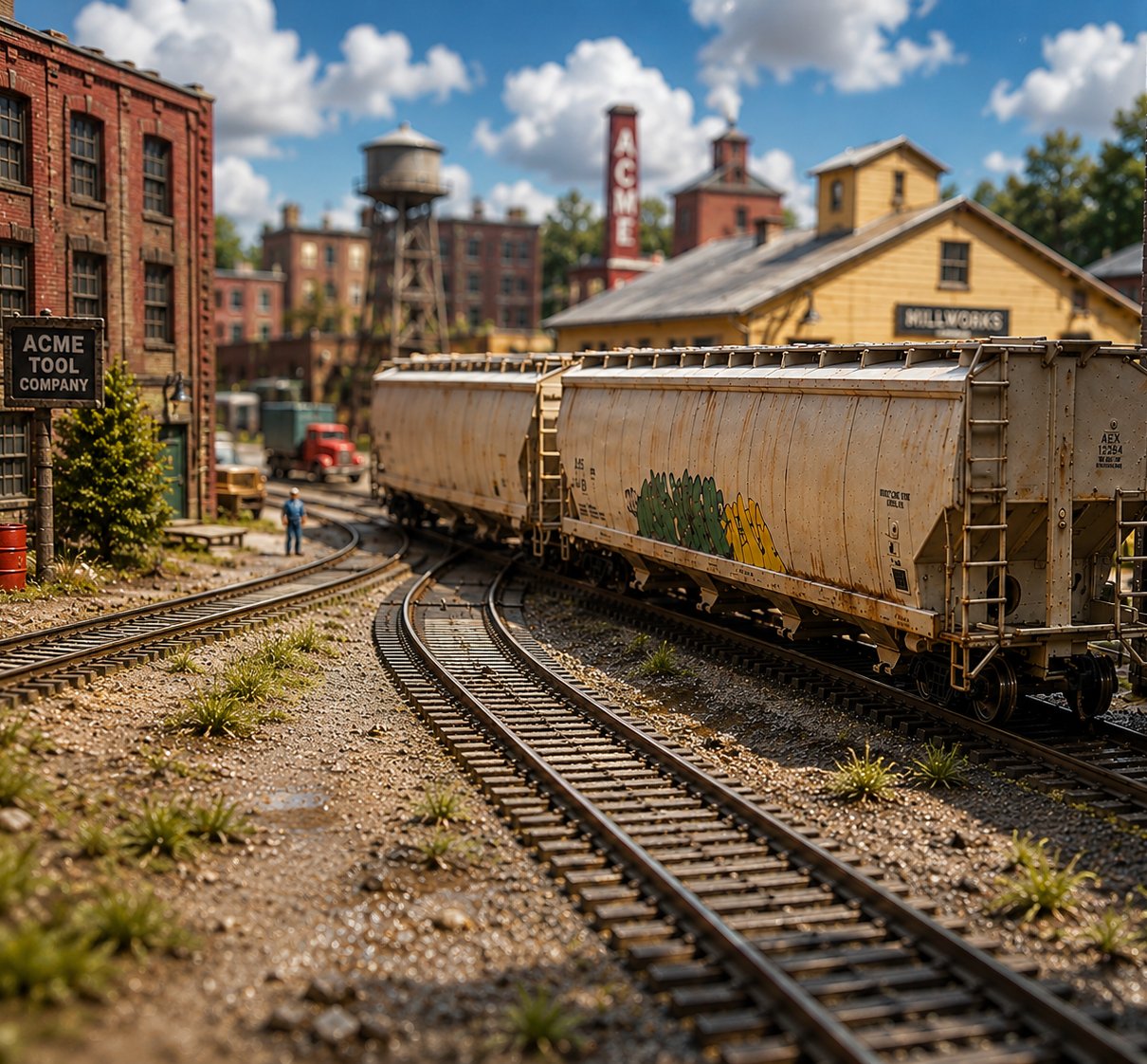
A model railroad yard, covered hoppers standing beside converging tracks

Operate your model railroad
like it’s the real thing.

Torus brings consignment-driven car forwarding to your layout, turning the needs of your industries into orders, shipments, and work for your trains and crews.

$59 Launch price Regular $69 · one-time purchase

Limited-time launch offer.

Windows · free updates forever · no subscription

The orders are in.
The cars are waiting.
It’s time to go to work.

Run your next operating session with Torus.

Get Torus Train Ops

Every car should have a reason to move.

So how does Torus give your railroad a reason to move cars?

Think about a real railroad. Cars don’t move just because it’s time to move something. There’s a reason they’re going somewhere. An industry needs a material, or it has a product ready to ship.

Say a bakery on your railroad needs flour. The flour comes from a mill. That need creates an order to move flour from the mill to the bakery.

Now the railroad has work to do.

Torus takes it from there — assigning an appropriate car, getting that work onto a train, and giving the crew the pickups, setouts, and switching needed to get it there.

That’s consignment-driven car forwarding. And that’s really the heart of Torus — the needs of your industries create the work that keeps your railroad moving.

So what does that actually look like when you operate? ↓

How Torus Works

See how a need becomes work for your railroad.

01 / 04

Your industries create the need

Your industries aren’t just destinations. They receive materials, ship products, and create the reasons cars need to move.

02 / 04

Torus turns needs into work

Torus turns those needs into orders, car movements, industry activity, and active jobs across your railroad.

03 / 04

The work gets onto trains

Torus organizes that work around the routes and jobs you’ve created, so each train has real work waiting when it’s time to operate.

04 / 04

Your crews work the railroad

Your crew takes the work with them. Pickups, setouts and switching stay with the train on a phone, tablet or computer.

Prefer paper? Use the same work as a switch list or traditional car cards and waybills.

The railroad keeps operating.

Cars move. Orders progress. Industries change.

Today’s work becomes part of what your railroad needs next.

New needs. New work. New movements.

Put Torus to work on your railroad.

What You Get With Torus

One operator or a whole crew

Run Torus by yourself, or let a whole crew work at the same time from their own phones, tablets, or computers over your local network — crew devices only need a browser. Run a single operating session, or keep the railroad moving from one session to the next: Torus keeps track of where you left it.

Paper, digital, or both

Use digital crew workspaces and switch lists, traditional car cards and waybills, or a mix of both. All of it comes from the same railroad data, so everyone is working from the same information.

Your railroad stays on your railroad

Your railroad data lives on your computer, not on someone else’s server. Once Torus is downloaded and activated, no internet connection is required to run your operating sessions. No cloud dependency, and no subscription to keep using it.

Try all of Torus for 30 days

The free trial is the complete, fully functional Torus program — not a limited demo, and no credit card required. Build your railroad, create work, and operate with it for 30 days. Buy later and the railroad and data you created during the trial are still there.

Still have questions?

Frequently Asked Questions

Does Torus run my trains?
No — Torus creates the work and keeps track of it, and you run the trains the way you already do. It stores each locomotive’s DCC address for reference, but it never touches your throttle or command station.
What computer does Torus run on?
Torus launches for Windows, on the PC you keep near the layout. Nothing else has to be a Windows machine — crew devices only need a browser, and there is no limit on how many connect at once.
Do I need to install anything else?
No. No Java, no database, no separate web server — the installer brings everything with it. Crew devices need nothing installed either: Torus shows a network address under Trainmaster, and your crew opens it in the browser their phone already has.
Does Torus need an internet connection?
Only to download and activate it. After that Torus runs a small web server on your own machine so crew devices can reach it, which is why Windows asks once on first launch — click Allow and tick Private networks. If the connection drops mid-session, nothing stops.
What scale does Torus work with?
All of them. Torus keeps track of cars, industries, and paperwork, and none of that cares what scale you model. HO, N, O, S, G, and Z all work the same.
Can I use Torus with my existing layout?
Yes. Enter your industries, tracks and rolling stock — or import a roster you already keep — and Torus works with the railroad as built. No rewiring, and no changes to how you run trains.
Can I bring in a roster I already have?
Yes. Torus imports CSV from Excel, Google Sheets, or JMRI Operations — in JMRI that is Cars → Tools → Export to file. You map the columns once, and a backup is written before anything changes.
Can I back up my railroad data?
Yes, from Trainmaster. Do it before a big change or after an op night. Your railroad is a file you own and can copy anywhere.
What happens if I change computers?
Install Torus on the new machine and restore your backup. Your industries, rolling stock, and session history all travel in that one file.
How does the free 30-day trial work?
Download it and run it for 30 days — the complete program, with no card required and nothing switched off. When you buy, activate the copy you already have and the railroad you built during the trial is still there.
How do I get my license key?
Checkout runs through Lemon Squeezy and your key arrives in the receipt email. Start Torus, paste the key into the activation window, and that is the last you will see of it. The purchase is one-time — every future update is included, with no renewal and no upgrade fee.
What about clubs?
Club setups vary more than home layouts do. Write to me with how yours is organised and I’ll give you a straight answer rather than a policy that does not fit.
Try Torus on your railroad

Download the complete Torus Train Ops program and use it free for 30 days. If you decide Torus is right for your railroad, you’ll get $10 off the full version.

Regular price $69 Launch Price — $59
One purchase • Free updates • No subscription

Questions? Contact support@railworksstudio.com — we're happy to help.